

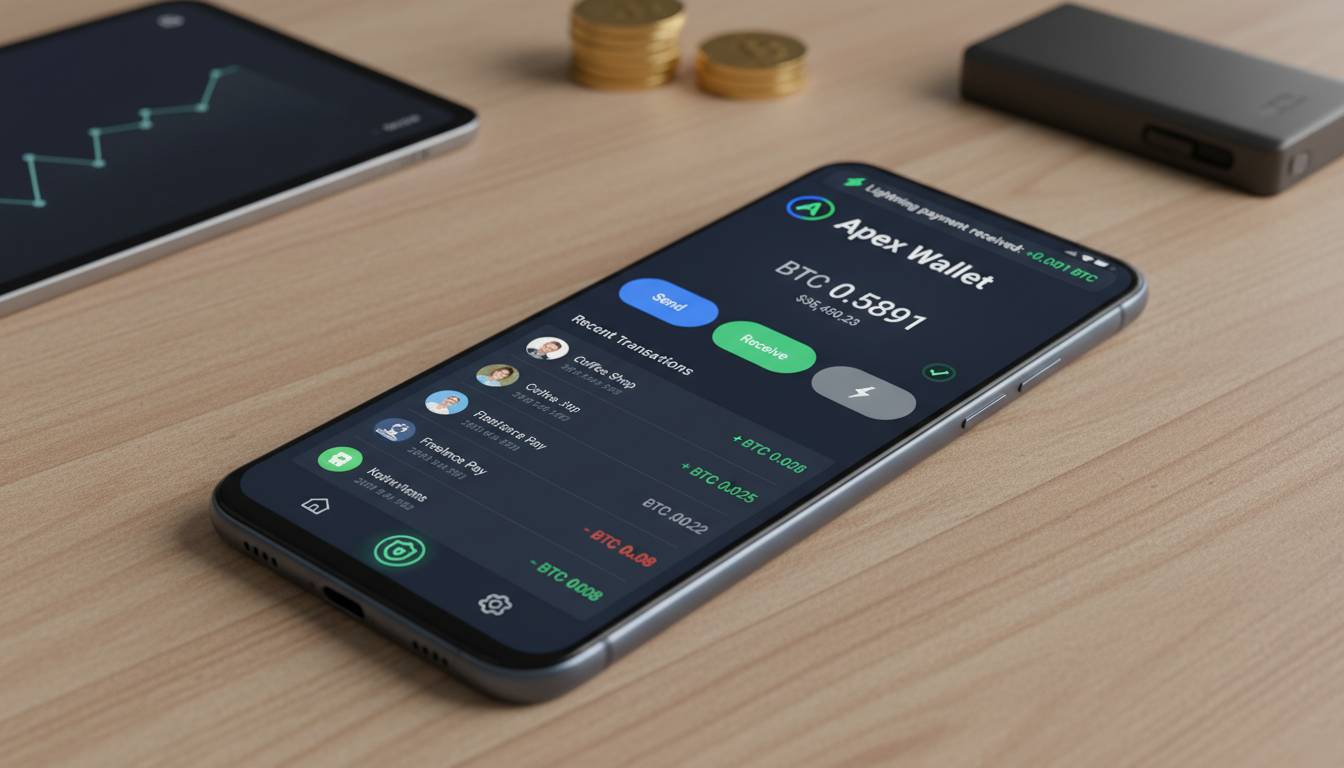
Choosing the right Bitcoin wallet for your Android device can feel overwhelming. With dozens of options promising security, low fees, and seamless functionality, how do you know which one actually delivers? The stakes are high—your wallet choice directly impacts the safety of your funds and the convenience of accessing your Bitcoin.
The good news: some Android Bitcoin wallets genuinely stand out for their balance of security, user experience, and features. In this guide, I break down the top options, explain what actually matters when selecting a wallet, and help you make an informed decision—whether you’re a first-time buyer or a seasoned holder.
What Defines a Great Bitcoin Wallet for Android
Before diving into specific apps, you need to understand the criteria that separate decent wallets from exceptional ones. Not every Bitcoin wallet deserves your trust or your funds.
Security Architecture
Security isn’t just a buzzword—it’s the foundation of any wallet worth using. The best Android Bitcoin wallets offer one or more of these security layers:
- Seed phrase encryption: Your 12 or 24-word recovery phrase should never leave your device in plain text
- Biometric authentication: Fingerprint or face unlock adds a layer of protection beyond passwords
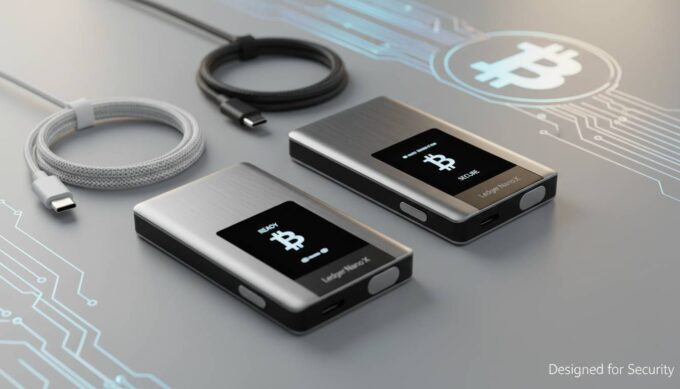
- Hardware security module (HSM) integration: Some wallets interface with hardware wallets for maximum protection
- Open-source code: Auditable code means security researchers can verify claims
Self-Custody vs. Custodial
This is the most critical distinction. A self-custody wallet gives you complete control of your private keys—you and only you can access your Bitcoin. A custodial wallet holds your keys on your behalf (like an exchange wallet), which means you depend on a third party to secure your funds.
For long-term Bitcoin holding, self-custody is the industry consensus. As the saying goes: “Not your keys, not your crypto.”
Node Connectivity
Advanced users often want to connect to their own Bitcoin node. Wallets that support this provide greater privacy and let you verify transactions independently rather than trusting a third-party server.
Top Bitcoin Wallets for Android in 2025
Based on security features, user experience, feature sets, and community trust, here are the best options:
Trust Wallet
Best for: Beginners who want an all-in-one solution
Trust Wallet has grown into one of the most downloaded crypto wallets globally, and for good reason. It supports not just Bitcoin but thousands of other cryptocurrencies, making it versatile if you plan to diversify.
Security features:
– Encrypted private keys stored locally on your device
– Biometric login support
– No account creation required—you’re in full control from the start
User experience:
– Clean, intuitive interface that newcomer-friendly
– Easy buying and selling directly within the app
– Staking options for earning rewards on certain coins
Limitations:
– It’s a hot wallet, meaning it’s connected to the internet (higher risk than hardware wallets)
– No native Tor integration for privacy-conscious users
– Customer support can be slow to respond
Cost: Free to download; network fees apply for transactions
Coinbase Wallet
Best for: Users already on Coinbase exchange
If you already use Coinbase for buying Bitcoin, their standalone wallet app offers tight integration with the exchange while maintaining self-custody.
Security features:
– Keys stored locally using secure enclave technology
– Optional biometric authentication
– Device backup encryption to iCloud or Google Drive
User experience:
– Seamless connection to Coinbase for easy funding
– DApp browser for interacting with DeFi protocols
– Clear transaction history and portfolio tracking
Limitations:
– Primarily designed for Ethereum and EVM chains—Bitcoin support exists but isn’t the primary focus
– Some users report syncing issues with the main Coinbase app
Cost: Free; standard network fees apply
Exodus
Best for: Desktop-to-mobile users who want beautiful design
Exodus has built a reputation for exceptional design and cross-platform compatibility. Your wallet syncs across desktop and mobile, which appeals to users who manage holdings from multiple devices.
Security features:
– 12-word seed phrase with optional password protection
– Integration with Trezor hardware wallets for enhanced security
– No data collection—Exodus doesn’t track your balances
User experience:
– Stunning UI that makes crypto feel accessible
– Built-in exchange for swapping between 180+ assets
– One-click staking for supported coins
– 24/7 human support via live chat
Limitations:
– Closed-source (security claims can’t be independently audited)
– Higher fees than some competitors for in-app swaps
– No two-factor authentication for the wallet itself
Cost: Free download; built-in exchange includes spread fees
BlueWallet
Best for: Bitcoin-only users who prioritize simplicity
BlueWallet strips away the noise and focuses purely on Bitcoin. It’s an excellent choice if you don’t need to hold Ethereum, Solana, or random altcoins.
Security features:
– Fully open-source and auditable
– Airgap mode option (no internet while generating wallet)
– Watch-only wallets for monitoring cold storage
– Full Lightning Network support
User experience:
– Minimalist, focused interface
– Easy Lightning Network setup
– Import or create unlimited wallets
– Testnet mode for experimenting
Limitations:
– Bitcoin-only means less versatility
– Lightning Network still has usability quirks
– Less mainstream recognition than larger wallets
Cost: Free; Lightning transactions have minimal fees
Electrum
Best for: Advanced users who want maximum control
Electrum has been around since 2011, making it one of the oldest Bitcoin wallets still active. It’s favored by veterans who want precise control over their node and fee settings.
Security features:
– Deterministic wallet generation (your seed can regenerate all addresses)
– Multi-signature support for shared custody
– Hardware wallet integration (Ledger, Trezor, KeepKey)
– Server-side entropy option for advanced users
User experience:
– Steeper learning curve than other Android wallets
– Extensive customization for fees, server selection, and transaction types
– No frills—just pure Bitcoin functionality
Limitations:
– Dated interface compared to modern wallets
– No built-in buying or swapping
– Can feel overwhelming for beginners
Cost: Free; no built-in purchase options (you need to acquire Bitcoin elsewhere)
Samourai Wallet
Best for: Privacy-maximizing Bitcoin holders
Samourai is built for users who take privacy seriously. Based in a privacy-friendly jurisdiction, it includes features you won’t find in mainstream wallets.
Security features:
– Advanced coin mixing (Whirlpool) to break transaction tracing
– Tor network integration built-in
– Remote node connection for enhanced privacy
– Stonewall routing to obscure transaction amounts
User experience:
– Rich feature set requires time to learn
– Active development and responsive community
– PayNym system for private, reusable payment codes
Limitations:
– Some features require a small one-time purchase
– Less mainstream support if you need help
– Google Play Store has removed it in the past (available via direct APK or F-Droid)
Cost: Free base version; premium features available as one-time purchases
Comparison Table: Key Features at a Glance
| Wallet | Self-Custody | Open Source | Bitcoin-Only | Hardware Wallet | Lightning Network | Price |
|---|---|---|---|---|---|---|
| Trust Wallet | ✅ | Partial | ❌ | ❌ | ❌ | Free |
| Coinbase Wallet | ✅ | ❌ | ❌ | ❌ | ❌ | Free |
| Exodus | ✅ | ❌ | ❌ | ✅ | ❌ | Free |
| BlueWallet | ✅ | ✅ | ✅ | ❌ | ✅ | Free |
| Electrum | ✅ | ✅ | ✅ | ✅ | ⚠️ External | Free |
| Samourai | ✅ | ✅ | ✅ | ❌ | ❌ | Free + Premium |
Security Best Practices for Android Bitcoin Wallets
Installing a secure wallet is only the beginning. How you use and protect it determines your actual security posture.
Seed Phrase Protection
Your recovery phrase is the master key to your funds. Follow these rules:
- Never store digitally: Don’t screenshot, email, or save it in a notes app
- Write it down: Use metal seed storage for fire/flood protection
- Store separately: Keep copies in different physical locations
- Verify before trusting: When setting up a new wallet, do a test transaction first
Device Security
Your Android device is the gatekeeper:
- Enable full-disk encryption
- Use a strong PIN/biometric
- Keep your OS updated
- Avoid rooting your device if you store significant funds
- Install apps only from official stores (or verified APKs for privacy wallets)
Network Awareness
Bitcoin transactions are public. For enhanced privacy:
- Use a VPN when making transactions
- Consider a dedicated device for large holdings
- Avoid public WiFi when accessing your wallet
How to Set Up Your First Bitcoin Wallet
Ready to get started? Here’s a streamlined process:
- Choose your wallet based on the criteria above
- Download from official sources: Google Play Store for mainstream apps; direct download or F-Droid for privacy wallets
- Create your wallet and write down your seed phrase immediately
- Verify your seed phrase by confirming it back to the app
- Enable security features: Biometric, PIN, or password
- Fund your wallet: Buy Bitcoin from an exchange and withdraw to your new wallet address
- Test with a small amount: Send a small transaction first to confirm everything works
Common Mistakes to Avoid
Mistake #1: Not Verifying the App
Fake crypto wallet apps occasionally appear in app stores. Always verify:
– Developer name matches the official project
– Download count is reasonable for established wallets
– Check reviews and community forums
Mistake #2: Ignoring Network Fees
Bitcoin network fees fluctuate based on demand. During congestion, fees can spike significantly. Use wallets that let you adjust fee rates or check mempool status before sending.
Mistake #3: Using Custodial Wallets Long-Term
Exchange wallets are convenient but carry counterparty risk. If the exchange fails, you could lose access. Move significant holdings to self-custody.
Mistake #4: Not Backing Up Seed Phrase
Losing your phone without a backup means losing your Bitcoin permanently. No customer support can recover it.
Frequently Asked Questions
What is the safest Bitcoin wallet for Android?
The safest Android wallet depends on your threat model. For maximum security, pair a mobile wallet like Electrum or BlueWallet with a hardware wallet (Ledger or Trezor). This keeps your private keys offline while allowing convenient mobile access.
Can I use multiple Bitcoin wallets on the same Android device?
Yes, you can install multiple wallet apps. Many users run a spending wallet and a savings wallet separately for better organization and security compartmentalization.
Do Bitcoin wallets charge fees for sending?
Wallet apps themselves don’t typically charge fees—those are network fees paid to Bitcoin miners. However, some wallets (like Exodus or Trust Wallet) include a spread when you buy/sell within the app. Always check the fee structure before transacting.
Should I use a Bitcoin-only wallet or a multi-coin wallet?
For most users, a multi-coin wallet provides more flexibility. However, Bitcoin-only wallets like BlueWallet or Electrum are leaner, less complex, and align with the philosophy of holding Bitcoin as your primary store of value.
What happens if I lose my phone with a Bitcoin wallet?
If you lose your phone, you can recover your funds using your 12 or 24-word seed phrase on any compatible wallet. This is why securely storing your seed phrase is critical.
Is it better to use a hardware wallet instead of a mobile wallet?
Hardware wallets are more secure because they store private keys on an offline device. For holdings over a few hundred dollars, a hardware wallet is strongly recommended. You can still use your mobile wallet to check balances and generate receive addresses.
Conclusion
The “best” Bitcoin wallet for Android ultimately depends on your priorities—security, simplicity, privacy, or multi-asset support. For most users starting out, Trust Wallet or Coinbase Wallet offer the easiest onboarding. If you’re serious about Bitcoin and want more control, BlueWallet or Electrum deliver a focused, self-custodial experience.
Whatever you choose, remember: the wallet is only as secure as how you protect your seed phrase. Take time to understand the fundamentals, start with small amounts, and scale up as you gain confidence. Your Bitcoin is your responsibility—and that’s the point.




Leave a comment