

The number of Americans owning Bitcoin has surged past 40 million, yet many still pay unnecessary fees simply by choosing the wrong wallet. Whether you’re storing your first $50 in Bitcoin or managing a portfolio worth thousands, the wallet you select directly impacts your security, privacy, and ultimately, your returns. The good news: several reputable Bitcoin wallets charge zero fees for basic usage while maintaining bank-level security. This guide cuts through the marketing noise to help you find the perfect free Bitcoin wallet for your needs.
What Actually Makes a Bitcoin Wallet “Free”
The term “free Bitcoin wallet” gets thrown around liberally, but understanding what “free” truly means requires examining the fee structure beneath the surface. True free wallets do not charge monthly subscription fees, account maintenance costs, or onboarding premiums. However, nearly all wallets pass through blockchain network fees—these are the fees paid to Bitcoin miners for processing transactions, and no wallet can eliminate these without compromising confirmation speed.
Transaction fees represent the most significant variable cost. During periods of network congestion, Bitcoin transaction fees can spike from $1 to over $50. Free wallets handle these fees differently: some subsidize small transactions, others allow you to customize fee levels, and some automatically optimize based on urgency. Understanding this distinction matters enormously for frequent traders or those moving Bitcoin regularly.
Exchange vs. Non-Custodial: The critical divide in “free” wallets exists between custodial and non-custodial options. Custodial wallets (like those offered by Coinbase or Cash App) hold your Bitcoin for you—they’re “free” because the platform monetizes through other means (spread, premium features, data). Non-custodial wallets give you sole control of your private keys, meaning you’re not paying the platform—only the blockchain network. For security and philosophical reasons, most Bitcoin purists recommend non-custodial options.
| Wallet Type | Account Fees | Transaction Fees | Private Keys |
|---|---|---|---|
| Custodial Exchange | $0 | Spread + network fees | No |
| Non-Custodial Mobile | $0 | Network fees only | Yes |
| Hardware Wallet | $50-250 purchase | Network fees only | Yes |
Top Free Bitcoin Wallets for US Users
Selecting the right wallet requires matching your specific needs—whether priority is mobile convenience, maximum security, or fee optimization—with the wallet’s strengths. Here are the leading free options available to Americans.
Exodus Wallet stands out for its exceptional balance of features and accessibility. This non-custodial mobile and desktop wallet charges zero account fees and allows fee customization for every transaction. Exodus integrates with Trezor hardware wallets for enhanced security and includes a built-in exchange feature that often beats market rates. The wallet supports over 100 cryptocurrencies beyond Bitcoin, making it ideal if you plan diversifying. Available on iOS, Android, Windows, and Mac, Exodus earns its reputation as the best overall free wallet.
BlueWallet represents the gold standard for Bitcoin-only users prioritizing mobile convenience. This open-source, non-custodial iOS and Android wallet offers complete transparency through its code repository. BlueWallet provides advanced features like Lightning Network support (enabling near-instant, extremely low-cost transactions) and customizable fee structures. For users who value simplicity paired with power, BlueWallet delivers without charging any platform fees.
Trust Wallet, owned by Binance, offers the most extensive multi-chain support among free wallets. This non-custodial mobile wallet supports over 4 million digital assets across 70+ blockchains. Trust Wallet provides excellent DeFi integration, NFT support, and in-wallet staking capabilities—all at zero account cost. The primary trade-off: being owned by a centralized exchange means data collection practices are more extensive than open-source alternatives.
Muun Wallet has gained significant traction among security-conscious users seeking a free mobile wallet with advanced features. Muun operates as a non-custodial wallet with built-in Lightning Network capabilities and customizable fee bidding. Its unique approach to transaction batching helps users save on network fees during high-congestion periods. The wallet’s recovery system eliminates single points of failure without requiring users to write down seed phrases—a significant usability win.
Sparrow Wallet targets users willing to trade some convenience for maximum control. This desktop-only, non-custodial wallet connects directly to your own Bitcoin node or provides options to connect to public nodes. Sparrow offers advanced privacy features like CoinJoin transaction mixing and comprehensive fee control. While the interface requires more technical knowledge, the transparency and control are unmatched among free options.
| Wallet | Platforms | Bitcoin-Only | Lightning | Hardware Support | Best For |
|---|---|---|---|---|---|
| Exodus | Mobile + Desktop | No | Via Trezor | Yes | All-around users |
| BlueWallet | iOS + Android | Yes | Yes | No | Mobile-first Bitcoiners |
| Trust Wallet | Mobile | No | Yes | No | DeFi/NFT collectors |
| Muun | Mobile | Yes | Yes | No | Lightning enthusiasts |
| Sparrow | Desktop | Yes | Yes | Full node | Privacy maximalists |
Security Features That Actually Matter
Understanding wallet security requires distinguishing between marketing claims and functional protections. The most critical security features for free Bitcoin wallets operate at the protocol level, not the user interface level.
Two-factor authentication (2FA) provides the first line of defense against unauthorized account access. Quality wallets offer 2FA through authenticator apps (preferred) or SMS (acceptable but vulnerable to SIM-swapping). Exodus, Trust Wallet, and BlueWallet all support authenticator-based 2FA for account recovery processes.
Biometric authentication has become standard for mobile wallets. Face ID, Touch ID, or fingerprint scanning ensures that physical access to your device doesn’t automatically mean access to your Bitcoin. Every major mobile wallet reviewed here includes biometric protection.
Multi-signature support represents the advanced security feature that separates serious wallets from casual ones. Multi-sig requires multiple private keys to authorize a transaction—imagine needing two of three keys to open a safe. Sparrow and certain Exodus configurations support multi-signature setups, protecting against both device theft and user error.
Seed phrase protection deserves special attention. Your 12 or 24-word seed phrase IS your Bitcoin—if someone obtains it, they own your funds regardless of wallet security. Premium wallets like Exodus offer encrypted cloud backup options. BlueWallet provides seeds in multiple formats, including a unique ” Patriots” mode for US users seeking domestically-stored recovery options.
Open-source code enables independent security verification. When wallet code is open-source, security researchers worldwide can audit for vulnerabilities. BlueWallet and Sparrow lead in this regard; Trust Wallet’s code is partially open; Exodus maintains proprietary elements.
Mobile vs. Desktop vs. Hardware: Choosing Your Platform
Your usage patterns should dictate platform selection, not marketing appeal. Each platform category offers distinct advantages and trade-offs.
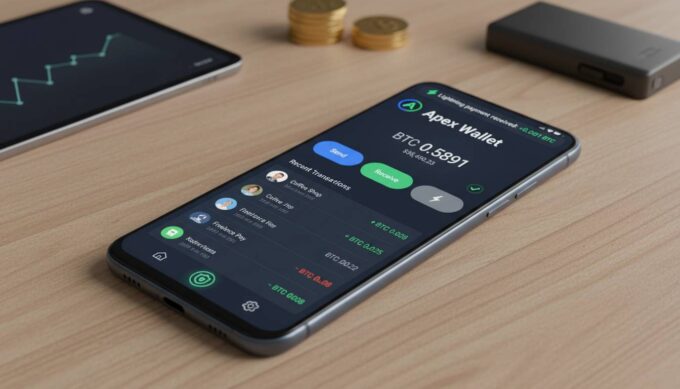
Mobile wallets provide the ultimate convenience—access your Bitcoin anywhere, anytime, with intuitive interfaces designed for everyday transactions. BlueWallet and Trust Wallet excel in this category. The primary vulnerability: mobile devices face constant threats from malware, phishing apps, and physical theft. Mobile wallets suit daily spending amounts (under $1,000 equivalent) and users prioritizing accessibility.
Desktop wallets like Exodus and Sparrow offer stronger security through reduced attack surfaces. Computers typically run fewer untrusted applications than mobile devices, and desktop environments allow for more sophisticated security practices. Sparrow’s requirement to run on your own computer aligns perfectly with the security principle of keeping private keys on air-gapped devices. Desktop wallets work best for moderate holdings ($1,000-$10,000) and users comfortable with basic computer security practices.
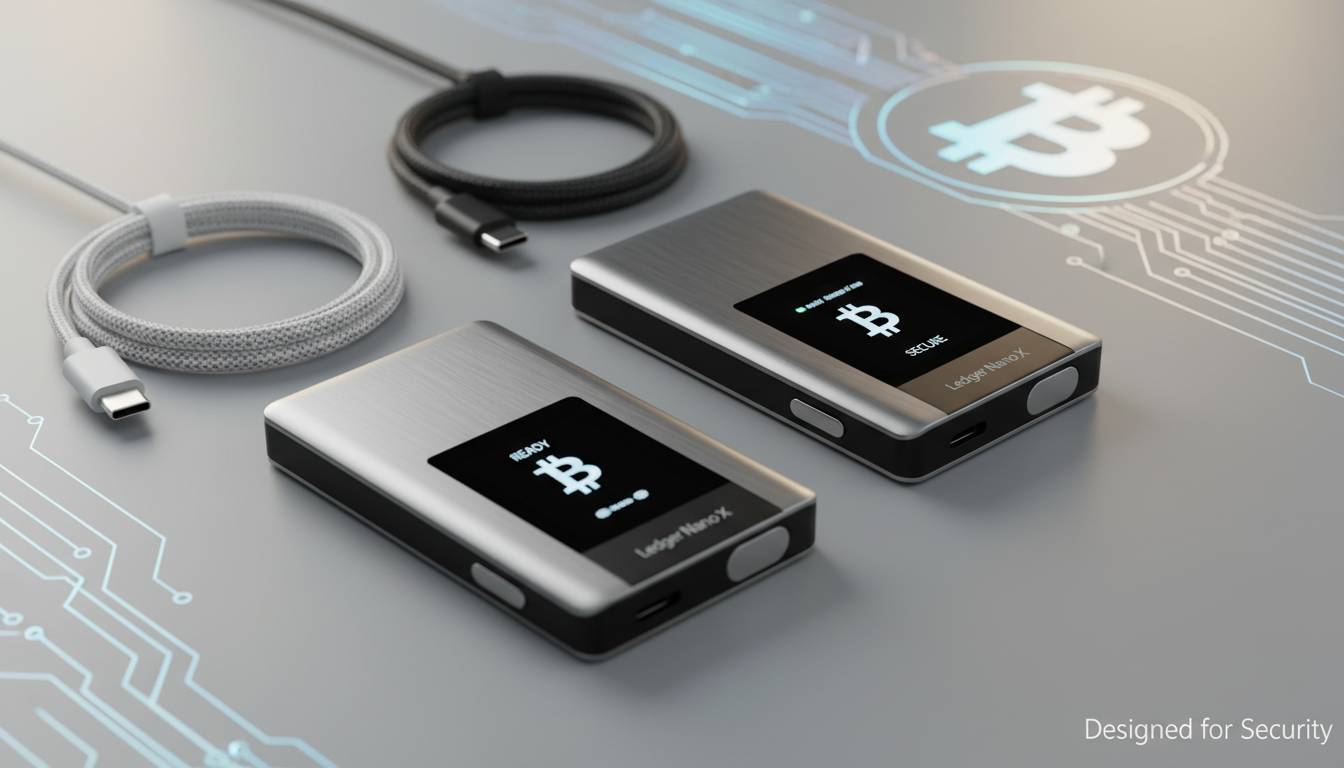
Hardware wallets represent the gold standard for security—but come with upfront costs. Devices like Ledger and Trezor cost $50-$250 but keep private keys completely isolated from internet-connected devices. Free software wallets (Exodus, BlueWallet) can connect to hardware wallets, giving you the interface you want with the security you need. For holdings exceeding $10,000, the investment in hardware security becomes strongly advisable.
The optimal strategy for many users combines platforms: mobile for spending, desktop for portfolio management, and hardware for long-term storage. This layered approach distributes risk while maintaining usability.
Setting Up Your First Free Bitcoin Wallet
Installing and securing a Bitcoin wallet takes approximately 15-30 minutes. Follow these steps to establish your wallet correctly from the start.
Step 1: Download from official sources only. Never click links in emails or social media messages. Visit the official website (e.g., exodus.com, bluewallet.io) directly, then navigate to download links. For mobile, use only official App Store and Google Play listings—third-party app stores frequently host compromised versions.
Step 2: Verify the application signature. Advanced users can verify cryptographic signatures confirming the wallet matches the developer’s release—this protects against sophisticated supply-chain attacks. Sparrow provides explicit verification instructions; other wallets could improve in this area.
Step 3: Create your wallet and record your seed phrase. The wallet will generate a 12 or 24-word recovery phrase. WRITE THIS DOWN ON PAPER. Multiple copies, stored in separate secure locations (safe deposit box, home safe), protect against fire and loss. Never store digital copies, never photograph them, never type them into computers.
Step 4: Verify backup functionality. Before transferring significant funds, test the recovery process: delete the wallet, restore from seed phrase, confirm balance appears. This validation prevents catastrophic errors when it matters most.
Step 5: Enable all security features. Activate 2FA, biometrics, and any additional protections offered. Review and configure fee settings—most wallets default to higher fees than necessary for non-urgent transactions.
Step 6: Make a small test transaction. Send $5-10 worth of Bitcoin to your new wallet, then send it back. This confirms everything works correctly before trusting larger amounts.
Mistakes That Cost Bitcoin Users Money
New Bitcoin holders consistently make several avoidable errors that either waste money or create unnecessary risk. Learning from others’ mistakes prevents costly education.
Ignoring network fees during withdrawals catches many users off-guard. Exchange withdrawals often cost $5-25 in network fees—unnecessary if you hold Bitcoin in a wallet already. Additionally, some wallets offer fee bumping (replace-by-fee) while others don’t; understanding this before network congestion hits prevents stuck transactions.
Choosing convenience over control leads to custodial exposure. Free wallets from exchanges like Coinbase or Cash App provide excellent usability but require trusting those platforms with your Bitcoin. Exchange bankruptcies (see FTX, Celsius, Voyager) have cost users billions. The slight complexity increase of non-custodial wallets provides enormous protection.
Failing to update wallet software creates known vulnerabilities. Wallet developers regularly release security patches—running outdated versions exposes you to fixed exploits. Enable automatic updates when available, and check for updates monthly when they don’t.
Sending Bitcoin to the wrong network causes permanent losses. Bitcoin and Bitcoin Cash share similar address formats, but sending BTC to a BCH address (or vice versa) typically results in permanent loss. Most quality wallets now display prominent warnings, but human error still accounts for significant losses annually.
Underestimating physical security ignores the most common theft vector. Anyone with physical access to your device AND your PIN/password can drain your wallet. Use strong device encryption, avoid storing wallet apps on shared devices, and consider hardware wallets for significant holdings.
Frequently Asked Questions
Can I really use a Bitcoin wallet without paying any fees?
Yes, you can use wallets without account fees or subscription costs. However, all Bitcoin wallets must pay network fees to the Bitcoin blockchain for transactions—you cannot avoid these without compromising transaction speed. Quality free wallets like Exodus, BlueWallet, and Trust Wallet don’t charge additional platform fees beyond these necessary network costs.
Are free Bitcoin wallets safe for holding large amounts?
Free mobile and desktop wallets are safe for moderate amounts (generally under $5,000), but for larger holdings, hardware wallets provide superior security. Non-custodial free wallets like Exodus and BlueWallet are fundamentally secure—the vulnerability lies in device security, not the wallet software itself. Hardware wallets (costing $50-$250) keep private keys entirely offline.
What’s the difference between a hot wallet and a cold wallet?
Hot wallets connect to the internet (mobile apps, desktop software, exchange accounts). Cold wallets never connect to the internet (hardware devices, paper wallets). Hot wallets offer convenience; cold wallets provide security. Most users employ both: hot for spending, cold for savings.
Which free wallet is best for beginners?
Exodus offers the most intuitive interface for newcomers while maintaining professional-grade features. Its built-in exchange, clear fee displays, and responsive support make it ideal for first-time Bitcoin holders. Trust Wallet provides similar ease with additional blockchain support, while BlueWallet offers a cleaner Bitcoin-only experience for users confident they’ll only hold BTC.
Can I use one wallet for multiple cryptocurrencies?
Yes—Exodus, Trust Wallet, and other multi-chain wallets support hundreds of cryptocurrencies in a single interface. BlueWallet and Sparrow focus exclusively on Bitcoin. Choose multi-chain if you plan exploring altcoins; choose Bitcoin-only if maximum simplicity and privacy are priorities.
How do I switch from one wallet to another?
Simply send your Bitcoin from your old wallet to your new wallet’s receiving address. Ensure the new wallet is working correctly (send a small test amount first), verify the address format matches (Bitcoin addresses typically start with 1, 3, or bc1), and expect to pay a small network fee for the transfer.
Conclusion
Finding the best free Bitcoin wallet comes down to understanding your specific needs: the amount you’ll hold, how frequently you’ll transact, and how much technical complexity you can manage. Exodus earns the top recommendation for most users seeking an all-around capable free wallet with excellent security. BlueWallet suits Bitcoin-only users prioritizing mobile convenience and Lightning Network access. Trust Wallet serves those planning extensive DeFi or NFT activities. Sparrow delivers for privacy-focused users willing to invest desktop time.
Remember: the “best” wallet is the one you’ll actually use correctly. Start with a quality free option, follow security best practices (seed phrase backup, device encryption, software updates), and upgrade to hardware storage as your holdings grow. The Bitcoin ecosystem rewards patient, security-conscious participants—starting with the right wallet puts you firmly in that category.






Leave a comment