

Quick Answer
MetaMask remains the best overall Ethereum wallet for most users due to its browser extension availability, mobile app, and integration with thousands of decentralized applications. For maximum security, hardware wallets like Ledger and Trezor offer superior protection against online threats. The ideal choice depends on your security needs, technical comfort level, and how you plan to use your ETH.
At-a-Glance
| Wallet Type | Best For | Security Level | Cost |
|---|---|---|---|
| MetaMask | Beginners to DeFi users | Medium | Free |
| Trust Wallet | Mobile-first users | Medium | Free |
| Ledger Nano X | Maximum security | High | $149 |
| Trezor Model T | Maximum security + touch screen | High | $219 |
| Coinbase Wallet | Coinbase users | Medium | Free |
Key Takeaways
- Hardware wallets provide the highest security by keeping private keys offline, making them immune to most online attacks
- MetaMask dominates with 30+ million monthly active users, offering the best balance of accessibility and functionality
- Software wallets are free but carry more risk—never store large amounts in hot wallets
- Two-factor authentication and seed phrase backup are non-negotiable security requirements
- The best wallet matches your usage: DeFi = MetaMask, cold storage = Ledger/Trezor, everyday spending = mobile wallet
Key Entities
- Products: MetaMask, Trust Wallet, Ledger Nano X, Ledger Nano S Plus, Trezor Model T, Trezor Model One, Coinbase Wallet, Exodus, Atomic Wallet
- Organizations: Ethereum Foundation, ConsenSys (MetaMask parent)
- Standards: BIP-39 (seed phrases), ERC-20 (tokens), ERC-721 (NFTs)
- Security Features: Cold storage, multi-sig, hardware encryption, biometric unlock
Last Updated: January 14, 2026
Understanding Ethereum Wallets
An Ethereum wallet doesn’t actually store your ETH—it stores your private keys, which prove ownership of your cryptocurrency on the blockchain. Your ETH lives on the Ethereum network; the wallet is simply your gateway to access and manage it. This distinction matters because losing your private keys means losing access to your funds permanently, with no customer service to call and no password reset option.
The Ethereum ecosystem offers three main categories of wallets: hot wallets (connected to the internet), cold wallets (offline storage), and custodial wallets (where a third party holds your keys). Each category serves different needs, and understanding these differences is essential before making your choice.
Top Ethereum Wallets Compared
MetaMask: The Industry Standard
MetaMask, developed by ConsenSys, has become the most widely used Ethereum wallet globally. Available as a browser extension and mobile app, it connects seamlessly with decentralized applications, decentralized exchanges, and NFT marketplaces. The wallet generates and stores your private keys locally on your device, ensuring you maintain full control over your funds.
Key Features:
– Browser extension for Chrome, Firefox, Brave, and Edge
– iOS and Android mobile apps
– Built-in token swap functionality
– Hardware wallet integration (Ledger, Trezor)
– Support for Ethereum Mainnet and test networks
– Custom RPC network support for L2 networks
Security Considerations:
MetaMask stores encrypted keys on your device and never shares your private keys with servers. However, because it’s a hot wallet, it remains vulnerable to malware, phishing attacks, and device compromise. For holdings exceeding $1,000, connecting MetaMask to a hardware wallet significantly enhances security.
Cost: Free to download and use (network fees apply to transactions)
Trust Wallet: The Mobile Powerhouse
Trust Wallet, acquired by Binance in 2019, offers a mobile-first approach to Ethereum management. Supporting over 70 blockchains, it provides exceptional breadth for users who manage multiple cryptocurrencies. The built-in Web3 browser enables direct interaction with dApps from your phone.
Key Features:
– Mobile-only (iOS and Android)
– Staking capabilities for ETH 2.0
– Integrated NFT viewer
– Binance DEX integration
– WalletConnect support for desktop DeFi
Security Considerations:
Trust Wallet encrypts your private keys locally using device security features including biometric authentication and secure enclave storage on compatible devices. The wallet does not collect personal data, aligning with privacy-focused users’ preferences.
Cost: Free
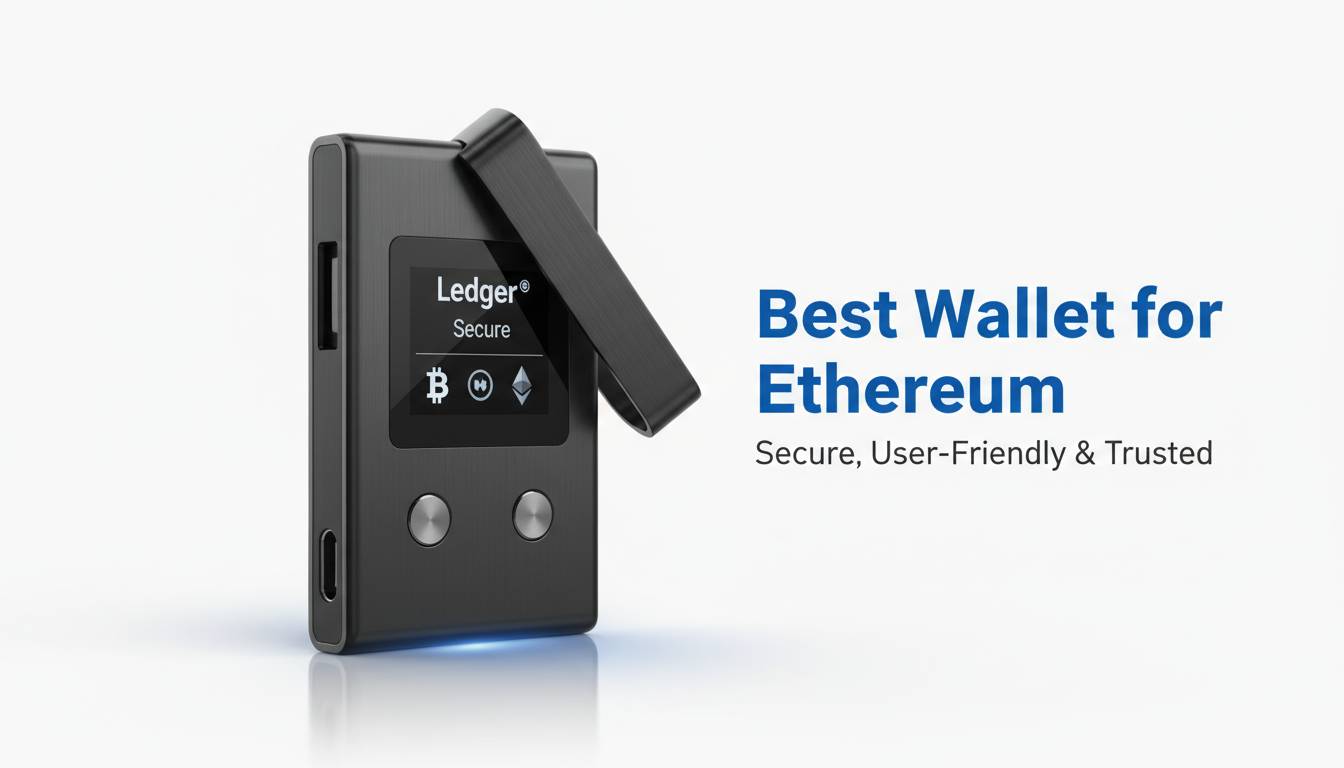
Ledger Hardware Wallets: Maximum Security
Ledger, a French company founded in 2014, dominates the hardware wallet market. Their devices store private keys on secure elements—specialized chips designed to resist physical and software attacks. Even if your computer is compromised, attackers cannot extract your keys from a Ledger device.
Ledger Nano X:
– Bluetooth connectivity for mobile use
– Support for 5,500+ coins and tokens
– Large screen for transaction verification
– Battery for truly wireless use
Ledger Nano S Plus:
– More affordable at $79
– USB-C connection
– Same security chip as Nano X
– Supports up to 100 apps installed
Security Architecture:
Both devices use the CC EAL5+ certified secure element, the same standard used in credit cards and passports. Your private keys never leave the device, and every transaction must be physically confirmed on the device screen, preventing remote attacks from approving transfers.
Cost: Nano X at $149, Nano S Plus at $79
Trezor: Open-Source Security
Trezor, created by SatoshiLabs in the Czech Republic, pioneered the hardware wallet concept. Unlike competitors, Trezor maintains full open-source firmware, allowing security researchers to audit the code. The Model T features a full-color touchscreen for easier transaction verification.
Key Features:
– Open-source firmware and software
– Full-color touchscreen display
– Shamir Backup support for seed phrase splitting
– U2F authentication (acts as a security key)
– Tor browser integration for privacy
Model T vs. Model One:
The Model T ($219) offers touchscreen input and more advanced features. The Model One ($69) provides core security at a lower price point but requires physical button navigation.
Cost: Model T at $219, Model One at $69
Coinbase Wallet: Exchange Integration
Coinbase Wallet (separate from your Coinbase exchange account) offers an excellent option for existing Coinbase users. It provides a non-custodial experience while maintaining familiarity with the Coinbase ecosystem. The wallet integrates with Coinbase’s exchange for easy fiat onramps.
Key Features:
– Easy ETH purchases with Coinbase account
– dApp browser integration
– Multichain support beyond Ethereum
– Address book for saved contacts
– Dapp inheritance features
Important Distinction:
Your Coinbase exchange account is custodial (Coinbase holds your keys), while Coinbase Wallet is non-custodial (you hold your keys). Many users maintain both: Coinbase Wallet for dApp interaction and the exchange account for trading.
Cost: Free
Security Best Practices
Regardless of which wallet you choose, implementing proper security measures protects your holdings from loss and theft. The cryptocurrency space has no chargebacks, no fraud departments, and no recovering lost funds—security is entirely your responsibility.
Essential Security Measures
Seed Phrase Protection:
Your 12 or 24-word recovery phrase represents complete access to your funds. Write it down on paper (multiple copies) and store in secure locations—safety deposit boxes, fireproof safes, or secure locations only you know. Never store digitally, never screenshot, never email it.
Hardware Wallet for Large Holdings:
If you hold more than $1,000 in ETH, a hardware wallet becomes essential. The one-time purchase cost protects against ongoing risk. Many experienced investors use hardware wallets regardless of holding size.
Phishing Awareness:
Over 90% of cryptocurrency theft involves phishing. Never click links in unsolicited messages, always verify URLs manually, and bookmark your wallet’s official website. MetaMask will never ask for your seed phrase via email or social media.
Multi-Signature Security:
For institutional holdings or shared accounts, multi-sig wallets require multiple approvals for transactions. Gnosis Safe and other multi-sig solutions prevent single points of failure.
How to Choose Your Ethereum Wallet
Selecting the right wallet depends on your specific situation, technical background, and crypto activities.
For DeFi Enthusiasts:
MetaMask remains the standard. Its browser extension and mobile app work seamlessly with Uniswap, Aave, Compound, and thousands of other decentralized applications. The browser extension integrates with hardware wallets for enhanced security.
For Beginners:
Start with MetaMask or Trust Wallet. Both offer intuitive interfaces, extensive documentation, and helpful communities. Begin with small amounts while learning, then upgrade to hardware wallets as your holdings grow.
For Maximum Security:
Ledger and Trezor hardware wallets provide the strongest protection. The Model T offers the best user experience, while the Model One delivers essential security at a lower price. Both integrate with MetaMask for DeFi access.
For Mobile-First Users:
Trust Wallet excels for users who primarily interact with crypto on smartphones. The built-in staking, NFT support, and dApp browser make it a complete mobile solution.
For Coinbase Users:
Coinbase Wallet integrates smoothly with the Coinbase exchange, making it ideal for those who already trade on that platform. The ability to quickly move funds between exchange and wallet simplifies operations.
Ethereum Wallet Features Comparison
| Feature | MetaMask | Trust Wallet | Ledger Nano X | Trezor Model T | Coinbase Wallet |
|---|---|---|---|---|---|
| Hardware | ❌ | ❌ | ✅ | ✅ | ❌ |
| Mobile App | ✅ | ✅ | ✅ (Bluetooth) | ❌ | ✅ |
| Browser Extension | ✅ | ❌ | ❌ | ❌ | ❌ |
| NFT Support | ✅ | ✅ | ✅ | ✅ | ✅ |
| DeFi Integration | ✅ | ✅ | ✅ (via MetaMask) | ✅ (via MetaMask) | ✅ |
| Staking | ❌ | ✅ | ✅ | ✅ | ❌ |
| Open Source | Partial | ❌ | ❌ | ✅ | ❌ |
| Multi-Chain | Limited | Extensive | Extensive | Extensive | Extensive |
| Price | Free | Free | $149 | $219 | Free |
Frequently Asked Questions
Which Ethereum wallet is safest?
Hardware wallets like Ledger and Trezor are the safest options because they store private keys offline on specialized secure chips. Even if your computer or phone is compromised, attackers cannot access your keys. For maximum security, pair a hardware wallet with MetaMask for DeFi interactions.
Is MetaMask safe for storing Ethereum?
MetaMask is safe for small to medium holdings when used with proper security practices. Never store your seed phrase digitally, enable biometric lock on mobile, and consider connecting it to a hardware wallet for holdings over $1,000. MetaMask itself has never been hacked—breaches occur through user phishing and malware.
Do I need a hardware wallet for Ethereum?
You don’t need a hardware wallet, but it significantly improves security. For holdings under $500, a quality software wallet like MetaMask provides adequate protection with convenient access. For anything beyond that, the one-time cost of a hardware wallet becomes worthwhile insurance against theft.
Can I use multiple Ethereum wallets?
Yes, many users employ multiple wallets for different purposes—for example, a hardware wallet for long-term holdings, MetaMask connected to that hardware for DeFi, and a mobile wallet for small everyday transactions. This approach provides both security and convenience.
What happens if I lose my Ethereum wallet?
If you lose access to your wallet but have your seed phrase, you can restore it on any compatible wallet. This is why the seed phrase backup is critical. Without the seed phrase, your funds are permanently inaccessible. Hardware wallets offer no special protection against seed phrase loss—whatever backup you create is what determines recoverability.
Are Ethereum wallet apps safe?
Official wallet apps from established providers (MetaMask, Trust Wallet, Ledger, Trezor, Coinbase) are safe when downloaded from official app stores. The primary risks are downloading fake apps impersonating these brands, phishing sites, and user error. Always verify the developer name, check reviews, and confirm the download URL before installing.
Conclusion
Choosing the best Ethereum wallet requires balancing security, convenience, and your specific use case. MetaMask remains the best overall choice for most users—it’s free, widely supported, and integrates with the entire DeFi ecosystem. For security-conscious users holding significant ETH, a hardware wallet from Ledger or Trezor provides essential protection against online threats.
Start with MetaMask to learn the ecosystem, implement proper seed phrase security immediately, and consider upgrading to hardware storage as your holdings grow. Remember: in cryptocurrency, you are your own bank, which means you are entirely responsible for securing your funds.
The best wallet is one you’ll actually use correctly—perfect security means nothing if it’s too complicated to access your funds when needed. Begin with what matches your current needs, upgrade as required, and always maintain proper backups of your recovery phrase in secure, offline locations.




Leave a comment