

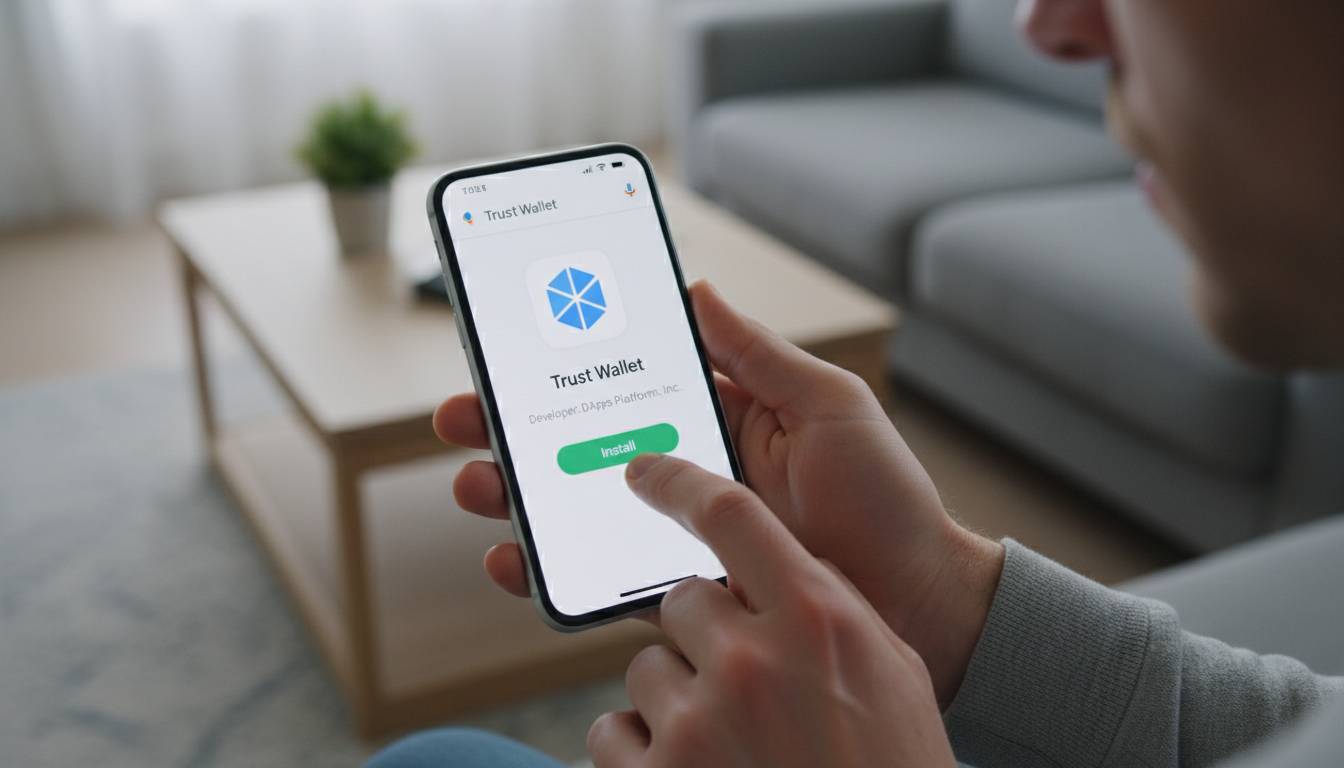
Cryptocurrency wallets are essential tools for anyone looking to store, send, or receive digital assets like Bitcoin, Ethereum, or other cryptocurrencies. Unlike a traditional wallet that holds physical cash, a cryptocurrency wallet stores your private keys—the cryptographic codes that prove ownership of your digital coins and authorize transactions on the blockchain. Creating a wallet is the first step toward participating in the cryptocurrency economy, and understanding how to do so securely is critical given the irreversible nature of blockchain transactions.
This comprehensive guide walks you through the process of creating a cryptocurrency wallet, explores the different types available, and provides security best practices to protect your digital assets from theft or loss.
📊 STATS
• Over 420 million people globally use cryptocurrency wallets
• Approximately 68% of cryptocurrency holders store their assets in software wallets
• Crypto theft losses exceeded $1.8 billion in 2023, with wallet security being a primary concern
Key Takeaways
• Wallet Types: Software wallets (hot) vs. hardware wallets (cold)—each offers different security levels
• Private Keys: Your wallet seed phrase is the master key—never share it with anyone
• Security First: Enable two-factor authentication and use hardware wallets for large holdings
• Backup Essential: Write down your seed phrase offline and store it in multiple secure locations
• Start Small: Begin with a small amount to familiarize yourself before transferring significant funds
Understanding Cryptocurrency Wallets
A cryptocurrency wallet is a digital application or physical device that allows you to interact with a blockchain network. It doesn’t actually store your cryptocurrency—your coins remain on the blockchain, and your wallet provides the keys to access and manage them. Think of it as the interface between you and your funds, similar to how online banking apps connect to your bank account without holding the physical money.
How Cryptocurrency Wallets Work
When you create a cryptocurrency wallet, the software generates a pair of cryptographic keys: a public key and a private key. The public key functions like a bank account number—you can share it with others to receive funds. The private key is like your password or PIN—it’s used to authorize outgoing transactions and must be kept strictly confidential.
Most modern wallets also generate a seed phrase, typically 12 or 24 words, which is a human-readable representation of your private keys. This seed phrase can regenerate your entire wallet if you lose access to your original device, making it the most critical piece of information to protect.
💡 FACT: Your seed phrase gives anyone complete access to your funds. If someone obtains it, they can transfer all your cryptocurrency irreversibly—no bank or company can reverse the transaction.
Core Components
Elements of a Cryptocurrency Wallet:
• Public Address: A string of characters (like 0x7a250d5630B4cF539739dF2C5dAcb4c659F2488D for Ethereum) that others use to send you crypto
• Private Key: A 256-bit number that authorizes transactions; never share this
• Seed Phrase: A backup phrase (12-24 words) that regenerates your private keys
• Blockchain Interaction: Wallets connect to blockchain networks to query balances and broadcast transactions
The wallet software handles the complex cryptography in the background, presenting you with a simple interface to view balances and initiate transfers. Most wallets support multiple cryptocurrencies, though some are chain-specific.
Benefits of Using a Cryptocurrency Wallet
Using a dedicated cryptocurrency wallet offers several advantages over leaving your digital assets on exchanges. Understanding these benefits helps you make informed decisions about how to manage your crypto holdings.
Financial Control: When you keep cryptocurrency on an exchange, you don’t truly own the private keys—the exchange does. This means you’re dependent on the exchange’s security measures and solvency. With a personal wallet, you have direct control over your funds with no intermediary.
Enhanced Security: Hardware wallets, in particular, store private keys offline, making them immune to online hacking attempts. Even software wallets, when properly secured, offer better protection than exchange accounts, which are frequent targets for attackers.
Transaction Privacy: While blockchain transactions are publicly visible, using a personal wallet provides more privacy than exchange-based accounts, which are linked to your identity through KYC (Know Your Customer) requirements.
Access to DeFi and Web3: Decentralized finance applications, NFT marketplaces, and Web3 services require a wallet connection. Having your own wallet grants you access to the broader cryptocurrency ecosystem beyond simple trading.
24/7 Access: Unlike banks with business hours or exchanges that may suspend withdrawals during high volatility, your personal wallet is accessible whenever the blockchain is operational—typically 24/7/365.
📈 CASE: Early Bitcoin investor James started using a hardware wallet in 2017. When his preferred exchange collapsed in 2022, his hardware-wallet-held Bitcoin remained secure while thousands of users lost access to exchange-held funds.
Types of Cryptocurrency Wallets
Choosing the right wallet type depends on your security needs, technical comfort level, and how you plan to use your cryptocurrency. Here’s a comprehensive comparison:
| Factor | Software Wallet | Hardware Wallet | Paper Wallet |
|---|---|---|---|
| Cost | Free to $50 | $50-$300+ | Free (print only) |
| Security Level | Medium | High | High (if generated securely) |
| Convenience | High | Medium | Low |
| Best For | Small amounts, frequent trading | Long-term storage, large amounts | Cold storage, gifts |
| Hack Risk | Higher (connected to internet) | Very Low (offline) | Low (air-gapped) |
Software Wallets (Hot Wallets)
Software wallets are applications that run on computers or mobile devices connected to the internet. They’re convenient for frequent transactions and typically free to download.
Examples: MetaMask, Coinbase Wallet, Exodus, Trust Wallet, Atomic Wallet
✅ Pros: Free or low cost, easy to use, quick access to funds, many support multiple cryptocurrencies
❌ Cons: Vulnerable to malware and phishing, device loss means potential fund loss without backup
💰 Price: Free to $50
🎯 For: Beginners, small holdings, everyday transactions, DeFi interactions
Hardware Wallets (Cold Wallets)
Hardware wallets are physical devices that store your private keys offline. They connect to your computer only when actively signing transactions, providing strong security against online threats.
Examples: Ledger (Nano X, Nano S Plus), Trezor (Model One, Model T), SafePal
✅ Pros: Industry-leading security, immune to computer malware, seed phrase protection, perfect for long-term storage
❌ Cons: Upfront cost, requires physical device to access funds, potential supply chain risks (buy directly from manufacturer)
💰 Price: $50-$300+
🎯 For: Long-term investors, large holdings, security-conscious users
Paper Wallets
A paper wallet is a physical printout of your public and private keys, typically presented as QR codes. Since it’s completely offline, it’s theoretically very secure—until you need to use the funds.
✅ Pros: Completely offline, no electronic attack surface, free to create
❌ Cons: Extremely inconvenient for transactions, vulnerable to physical loss/damage, risky to generate (must be done on air-gapped computer)
💰 Price: Free (printing costs)
🎯 For: Long-term cold storage, gifts, extremely paranoid security scenarios
How to Create a Cryptocurrency Wallet: Step-by-Step Guide
Creating a cryptocurrency wallet involves several important steps. This guide uses MetaMask as an example since it’s one of the most popular software wallets, but the general process applies to most wallets.
Prerequisites:
– [ ] Smartphone or computer (depending on wallet choice)
– [ ] Secure internet connection (avoid public WiFi)
– [ ] Email for account setup
– [ ] Paper and pen for writing down seed phrase
– [ ] Secure location to store seed phrase
Time: 10-20 minutes | Cost: Free (software wallet)
Step 1: Choose Your Wallet
Research wallet options based on your needs. For most beginners, a reputable software wallet provides the best balance of security and convenience. If holding significant amounts (over $1,000+), consider a hardware wallet.
Consider these factors:
• Cryptocurrency support (does it support what you want to hold?)
• Reputation and track record
• User reviews and security history
• Open-source code (allows community security auditing)
Step 2: Download from Official Sources
CRITICAL: Only download wallets from official sources. Phony apps with similar names exist in app stores.
⏱ This step | 💡 Tip: Search for the wallet name directly on the official website rather than browsing app stores
For MetaMask:
• Visit metamask.io directly
• Click the download button for your browser extension or mobile app
• Verify the URL is correct before entering any information
Step 3: Create Your Wallet
Once the app is installed:
- Launch the application and select “Create a New Wallet”
- Create a strong password (at least 8 characters, mix of letters, numbers, symbols)
- Watch the seed phrase appear—this is your master backup
- Write down the seed phrase on paper (multiple copies recommended)
- Confirm you wrote it correctly by selecting words in order
⚠️ NEVER take a screenshot of your seed phrase. Malware can read screenshots. Write it on paper only.
Step 4: Secure Your Seed Phrase
Your seed phrase is the most important part of wallet security. Follow these rules:
- Write it on paper—multiple copies in different secure locations
- Never share it with anyone, including wallet support (legitimate support never asks for this)
- Don’t store digitally—no photos, no cloud storage, no password managers
- Consider metal backup for fire/flood protection (optional but recommended for significant amounts)
- Store separately from your wallet—if someone finds both, they have full access
⚠️ CRITICAL: Anyone with your seed phrase has complete, irreversible access to your funds. There is no “forgot password” option. If you lose your seed phrase and your device, your funds are gone forever.
Step 5: Verify and Fund Your Wallet
After setup:
• Verify your address by sending a small test transaction first
• Add network if using testnets or specific blockchains
• Bookmark your wallet address for easy access
• Enable additional security features like biometrics if available
| Problem | Fix |
|---|---|
| Wallet won’t sync | Clear cache, check internet, switch networks |
| Can’t see balance | Add the token to your wallet’s token list |
| Transaction pending | Check blockchain explorer, increase gas fee |
| Lost seed phrase | Cannot be recovered—use backup if available |
Security Best Practices
Protecting your cryptocurrency requires ongoing vigilance. These practices significantly reduce your risk of loss.
Essential Security Measures
Top Protective Steps:
• Use hardware wallets for holdings over $1,000
• Enable two-factor authentication on any connected services
• Verify all transaction details before confirming
• Keep your devices malware-free with updated security software
• Never discuss your holdings publicly or on social media
Advanced Security
For larger portfolios, consider these additional measures:
• Use a dedicated device for cryptocurrency activities
• Consider multisig (multi-signature) wallets requiring multiple approvals
• Use different wallets for different purposes (spending vs. savings)
• Regularly audit your holdings and connected applications
• Rotate addresses periodically for privacy
📊 BENCHMARKS
| Security Level | Monthly Trading | Annual Cost | Recommended For |
|—————-|—————–|————-|—————–|
| Basic | Under $100 | $0 | Learning, experimentation |
| Standard | $100-$5,000 | $50-100 | Regular users |
| Advanced | $5,000+ | $150-300+ | Serious investors |
Common Mistakes to Avoid
New cryptocurrency users frequently make these errors that lead to loss of funds:
| Mistake | Impact | Solution |
|---|---|---|
| Sharing seed phrase | 📉 Total fund loss | Never share; legitimate services never ask |
| Storing seed digitally | 📉 Hacking vulnerability | Paper only, offline storage |
| Not testing with small amounts | 📉 Lost funds from errors | Test transactions first |
| Ignoring transaction fees | 📉 Unexpected costs | Check gas/network fees before confirming |
| Using public WiFi | 📉 Man-in-the-middle attacks | Use VPN or secure private connection |
⚠️ CRITICAL: The most common scam involves fake support representatives contacting you on social media or through unofficial channels. They will NEVER ask for your seed phrase, but scammers absolutely will. Never provide your seed phrase to anyone claiming to be support.
Prevent These Errors:
1. Always verify you’re on the official website before downloading
2. Double-check every transaction address—transactions cannot be reversed
3. Start with small amounts until you’re comfortable with the process
4. Use block explorers to verify transactions independently
Expert Insights
👤 Sarah Chen, Security Researcher at Trail of Bits
“Hardware wallets remain the gold standard for securing significant cryptocurrency holdings. The isolation of private keys from internet-connected devices provides protection that software solutions simply cannot match.”
👤 Michael Novogratz, CEO of Galaxy Digital
“For long-term crypto holders, the single most important decision is how you store your keys. The convenience of exchanges is tempting, but the risks of leaving your assets on platforms you don’t control are substantial.”
Frequently Asked Questions
What is the best cryptocurrency wallet for beginners?
For most beginners, MetaMask (for Ethereum-based tokens) or Trust Wallet (for broad crypto support) provides the best balance of ease of use, security, and features. Both are free to download and support mobile and browser extensions.
Are cryptocurrency wallets free to use?
Software wallets are typically free to download and use. Hardware wallets cost between $50-$300 but provide superior security. Some wallets may charge network fees (gas) for transactions, but the wallet itself doesn’t charge these fees.
Can I have multiple cryptocurrency wallets?
Yes, you can create and use as many wallets as you like. Many users maintain multiple wallets for different purposes—perhaps one for daily transactions and another for long-term holdings. This practice also improves privacy.
What happens if I lose my device with a cryptocurrency wallet?
If you have your seed phrase backed up securely, you can restore your wallet on any device by importing the seed phrase. Without the seed phrase, your funds are permanently inaccessible. This is why secure seed phrase backup is critical.
Should I keep my cryptocurrency on an exchange or in a personal wallet?
For security, personal wallets are superior—exchanges can be hacked, can become insolvent, or can freeze accounts. However, exchanges offer convenience for trading. A common practice is to keep only trading funds on exchanges and move long-term holdings to personal wallets.
How do I know if my wallet is secure?
Ensure your seed phrase is properly backed up offline, use strong unique passwords, enable two-factor authentication when available, keep your devices secure, and never share your private keys or seed phrase. For large holdings, a hardware wallet provides the highest security level.
Conclusion
Creating a cryptocurrency wallet is your gateway to participating in the digital economy, but it comes with responsibilities. The key to securing your cryptocurrency lies in understanding that you are your own bank—with complete control comes the need for vigilant security practices.
Start with a reputable software wallet, secure your seed phrase offline in multiple locations, and only add more significant funds once you’re comfortable with the process. For larger holdings, invest in a hardware wallet for superior protection. Always verify transactions before confirming, never share your seed phrase, and remember that blockchain transactions are irreversible.
The cryptocurrency space offers unprecedented financial freedom, but that freedom requires education and caution. By following this guide’s principles, you can confidently create and manage your cryptocurrency wallet while minimizing risks to your digital assets.









Leave a comment