

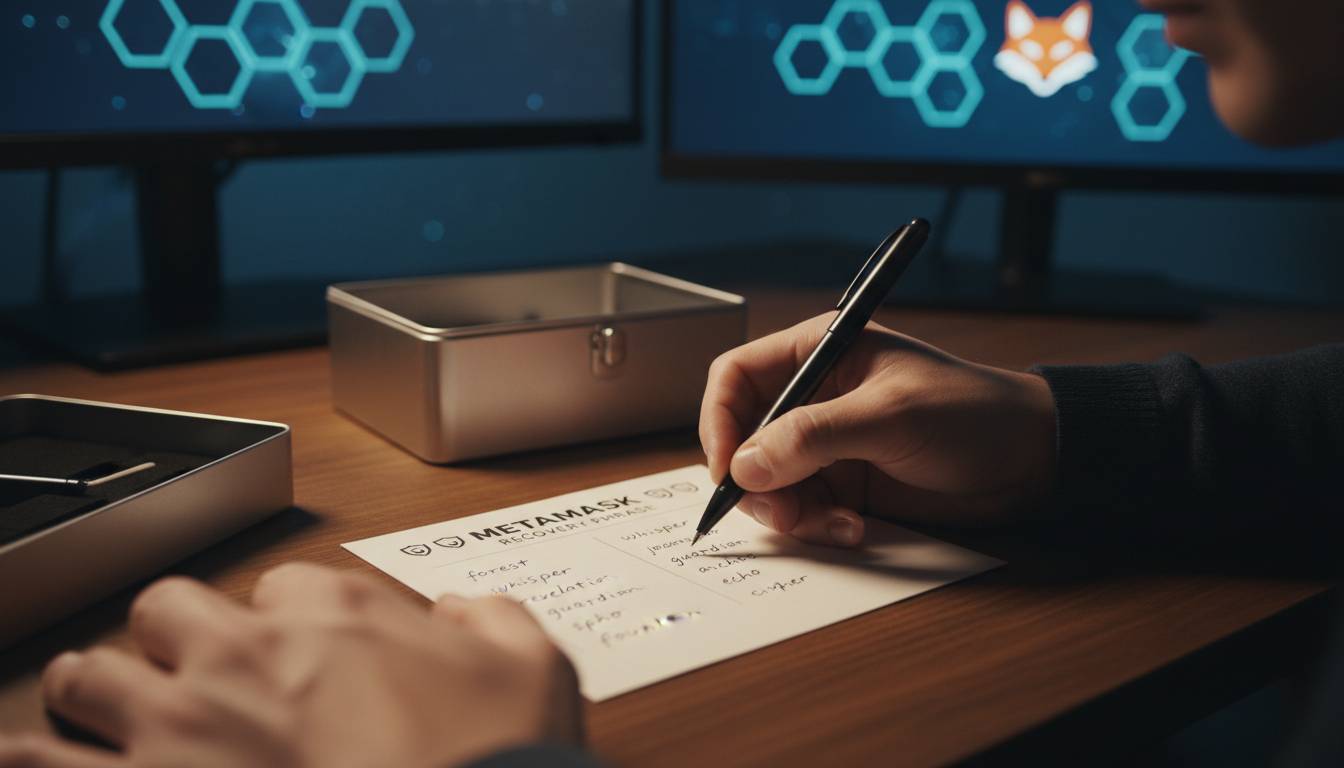
MetaMask is one of the most widely used cryptocurrency wallets globally, with over 30 million monthly active users as of 2024. For beginners entering the world of Web3 and decentralized finance, the question of safety is paramount. The short answer: MetaMask is generally safe when used correctly, but its security largely depends on how you use it. Unlike traditional bank accounts, MetaMask gives you full control over your funds—but that also means full responsibility for your security.
Key Insights
– MetaMask is a non-custodial wallet, meaning you and only you control your private keys
– Over $1 billion in crypto has been stolen from users due to phishing attacks and poor security practices
– 95% of crypto wallet hacks involve user error rather than wallet software vulnerabilities
– MetaMask has never been hacked directly, but scammers frequently target its users
This guide breaks down exactly what makes MetaMask safe, what risks exist, and how beginners can protect their assets effectively.
What is MetaMask and How Does It Work?
MetaMask is a browser extension and mobile app that serves as a cryptocurrency wallet and gateway to decentralized applications (dApps). It allows users to interact with blockchain networks like Ethereum, Polygon, Binance Smart Chain, and dozens of others without running a full node.
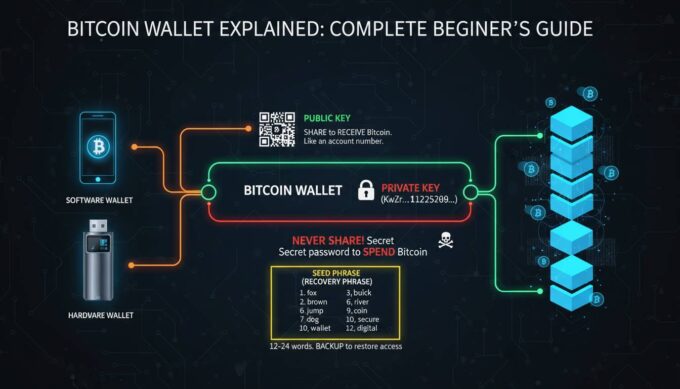
When you create a MetaMask wallet, the software generates a 12 or 24-word “seed phrase” (also called a recovery phrase). This seed phrase is the master key to your wallet—it can regenerate your private keys and restore your account on any device. MetaMask stores this seed phrase locally on your device, encrypted with your password.
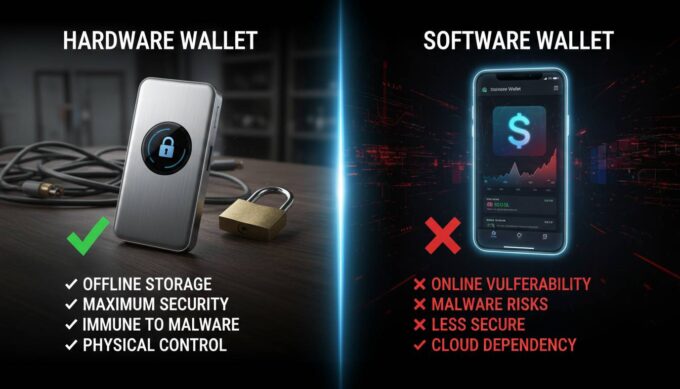
The wallet operates as a “hot wallet,” meaning it’s connected to the internet. This is different from “cold wallets” (hardware devices like Ledger or Trezor) that remain offline. Being hot makes MetaMask convenient for frequent transactions but inherently more exposed to online threats than completely offline storage solutions.
Unlike centralized exchanges like Coinbase or Binance, MetaMask is non-custodial. This means no third party holds your funds. When you “send” crypto from MetaMask, you’re signing a transaction with your private key that gets broadcast directly to the blockchain. This eliminates counterparty risk—you don’t need to trust that an exchange won’t freeze your funds or go bankrupt—but it also means there’s no customer support to reverse a transaction or recover a lost seed phrase.
MetaMask Security Features
MetaMask employs several security mechanisms to protect user funds, though understanding their limitations is crucial for any beginner.
Local Key Storage: Your private keys never leave your device in unencrypted form. They’re stored in the browser’s encrypted vault (for extensions) or device keystore (for mobile), protected by your password. MetaMask’s servers never access or store your keys.
Password Protection: When you first set up MetaMask, you create a password that encrypts your local vault. This password is required every time you unlock the wallet to sign transactions.
Seed Phrase Encryption: The 12 or 24-word recovery phrase is encrypted with AES-256 encryption before being stored locally. However, anyone with your seed phrase can recreate your wallet on any device—this is by design for recoverability.
Phishing Detection: MetaMask includes a built-in phishing detector that warns users when they’re about to interact with known malicious domains. This feature pulls from community-maintained blocklists and can catch many common scam attempts.
Transaction Preview: Before signing any transaction, MetaMask displays a clear summary including the recipient address, amount, and estimated gas fees. This gives users a chance to verify details before final authorization.
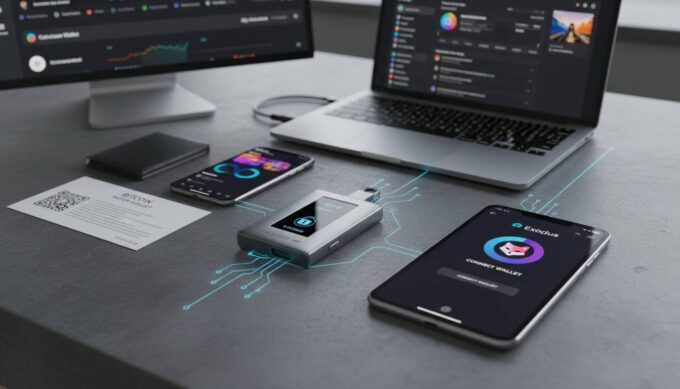
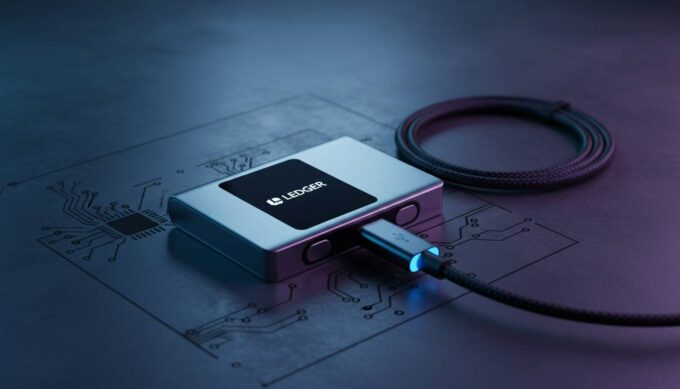
Hardware Wallet Integration: MetaMask can be paired with hardware wallets like Ledger or Trezor, adding an extra security layer. Transactions must be physically confirmed on the hardware device, protecting funds even if your computer is compromised.
Potential Risks and Vulnerabilities
Understanding MetaMask’s security features is only half the picture. Beginners must also recognize the threats that exist outside the wallet’s built-in protections.
Phishing Attacks: The most common threat to MetaMask users is phishing. Scammers create fake websites, send fraudulent emails, or post malicious links on social media that mimic legitimate dApps or even MetaMask itself. When users connect their wallet or enter their seed phrase on these sites, attackers steal their credentials. According to Chainalysis, phishing attacks accounted for approximately 37% of all crypto thefts in 2023.
Malware and Keyloggers: If your device is infected with malware, attackers can capture your MetaMask password or keystrokes as you enter your seed phrase. Keyloggers record everything you type, potentially exposing sensitive information.
Social Engineering: Scammers frequently target crypto users through direct messages on Discord, Twitter, or Telegram. They may impersonate support agents, offer “giveaways,” or create fake urgency to trick users into revealing their seed phrase.
Browser Extension Vulnerabilities: While MetaMask itself hasn’t been directly hacked, browser extensions can be compromised through malicious updates or if a user’s browser is already compromised. Extracting data from browser storage is theoretically possible with sufficient access.
Seed Phrase Exposure: Writing your seed phrase digitally (in a note, screenshot, or cloud storage) creates vulnerabilities. If your device is hacked or your cloud account is compromised, attackers can access your entire wallet. Digital storage of seed phrases has been responsible for millions of dollars in losses.
Smart Contract Risks: MetaMask itself is secure, but the dApps you connect to may not be. Malicious contracts can drain your wallet through approval exploits or drainer scripts once you grant permissions.
Best Practices for Keeping Your MetaMask Wallet Secure
Security isn’t a feature you enable—it’s a set of habits you practice. These practices significantly reduce your risk of becoming a victim.
Never Share Your Seed Phrase: This cannot be stressed enough. No legitimate service, including MetaMask, will ever ask for your seed phrase. Treat it like your most valuable password—store it offline, on paper, in a secure location.
Use a Hardware Wallet for Significant Holdings: If you’re storing substantial value, pair MetaMask with a hardware wallet. This keeps your private keys on a dedicated device that never connects to the internet directly. Even if your computer is compromised, attackers cannot sign transactions without physical access to your hardware wallet.
Verify Every Transaction: Always double-check the recipient address before signing. Copy-paste addresses carefully, and verify at least the first and last characters match. Attackers often use addresses that differ by just one character.
Use Separate Wallets for Different Purctions: Consider using one wallet for daily interactions with dApps and another (preferably a hardware wallet) for long-term storage. This limits exposure if one wallet is compromised.
Enable Extra Verification: In MetaMask settings, enable features like “Require password confirmation” for each transaction. This adds friction but prevents automatic signing if malware attempts to drain your wallet.
Keep Software Updated: Ensure you’re running the latest version of MetaMask, your browser, and your device’s operating system. Updates often include security patches for newly discovered vulnerabilities.
Use Unique, Strong Passwords: Your MetaMask password should be strong and unique. Don’t reuse passwords across different services. Consider using a password manager.
Be Wary of Public WiFi: Avoid accessing your wallet on public networks without a reputable VPN. Public WiFi can be intercepted, exposing your activity and potentially your credentials.
Double-Check URLs: Bookmark frequently used dApps rather than clicking links. Manually type URLs when possible. Scammers frequently use lookalike domains (e.g., “metamaks.io” instead of “metamask.io”).
MetaMask vs. Other Wallets: A Quick Comparison
Beginners often wonder how MetaMask compares to alternatives. Here’s a brief overview:
| Feature | MetaMask | Coinbase Wallet | Ledger (Hardware) |
|---|---|---|---|
| Type | Hot wallet (browser/mobile) | Hot wallet | Cold storage |
| Custody | Non-custodial | Non-custodial | Non-custodial |
| Cost | Free | Free | $79-$249 |
| Best For | dApp interaction | Beginners + exchange integration | Long-term storage |
| Security Level | Medium | Medium | High |
| Recovery | Seed phrase | Seed phrase | Seed phrase |
MetaMask excels at dApp interaction and is the most widely supported wallet across decentralized exchanges, NFT marketplaces, and Web3 applications. Coinbase Wallet offers a smoother experience if you also use the Coinbase exchange. Hardware wallets remain the gold standard for security but sacrifice convenience for daily transactions.
Is MetaMask Safe for Beginners? The Verdict
MetaMask is safe for beginners who take the time to understand its security model and follow best practices. The wallet’s architecture—non-custodial, local key storage, open-source code—represents industry-standard security for hot wallets.
However, “safe” doesn’t mean “risk-free.” The primary threat isn’t MetaMask’s code being hacked; it’s users inadvertently compromising their own security through phishing, poor seed phrase management, or insufficient vigilance. Beginners must accept that using MetaMask requires personal responsibility for security that centralized services would normally handle.
For small amounts you plan to use frequently with dApps, MetaMask is an excellent choice. For life-changing sums or long-term holding, strongly consider adding a hardware wallet to your setup. Many experienced users keep a “spending wallet” (MetaMask) for active use and a “storage wallet” (hardware) for assets they don’t plan to move.
The bottom line: MetaMask is as safe as your security habits make it. Learn the risks, implement the protections, and you can use MetaMask with confidence.
Frequently Asked Questions
Can MetaMask be hacked?
MetaMask itself has never been directly hacked. However, users have lost funds through phishing attacks, malware, and social engineering. Your security depends more on your practices than on MetaMask’s code.
Should I write down my seed phrase digitally?
No. Never store your seed phrase digitally—in notes, screenshots, cloud storage, or email. Write it on paper instead. Digital storage creates vulnerabilities to hacking and device loss.
Is MetaMask safer than a hardware wallet?
No. Hardware wallets like Ledger or Trezor are safer because they store private keys on offline devices. MetaMask is a “hot wallet” that’s always connected to the internet, making it more exposed than hardware wallets.
What happens if I lose my device with MetaMask installed?
As long as you have your 12 or 24-word seed phrase, you can recover your wallet on any device. Simply install MetaMask, select “Import using seed phrase,” and enter your words. Your funds will be restored.
Can MetaMask see my seed phrase?
No. MetaMask generates your seed phrase locally and never transmits it to any server. The seed phrase stays on your device, encrypted with your password.
Is it safe to use MetaMask on public WiFi?
It’s risky. Public WiFi networks can be intercepted or compromised. If you must use public WiFi, connect through a reputable VPN first to encrypt your connection.





Leave a comment