

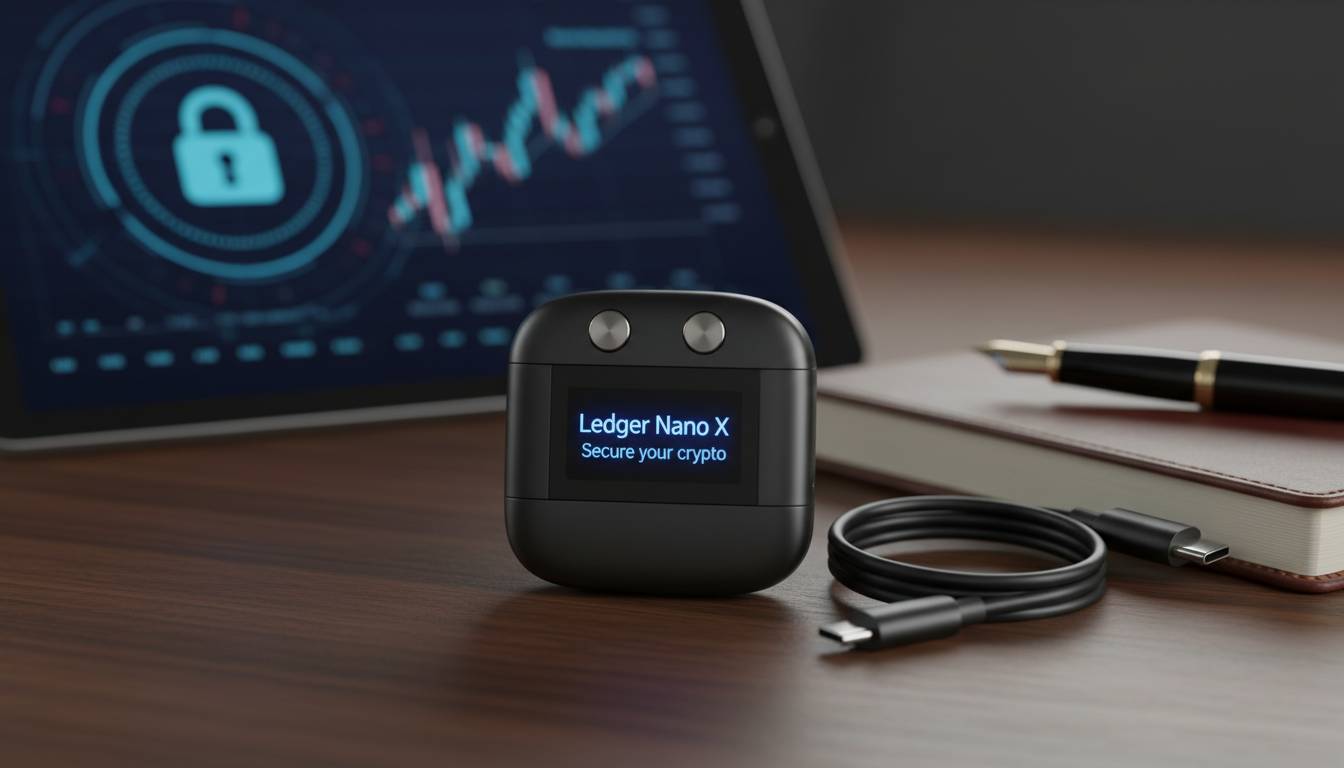
A crypto wallet is a software program or hardware device that allows you to store, send, and receive cryptocurrencies like Bitcoin, Ethereum, and thousands of other digital assets. Unlike a traditional wallet that holds physical money, a crypto wallet doesn’t actually store your coins—it stores your private keys, which are the cryptographic codes that prove you own your cryptocurrency and authorize transactions. Think of it as the digital equivalent of a keychain: your public address is like your account number (safe to share), while your private key is like your password (must stay secret). Without a wallet, you cannot interact with the blockchain network to manage your digital assets.
📊 STATS
• 420 million people globally use cryptocurrency wallets
• $2.3 trillion in crypto market capitalization
• 68% of crypto owners store their assets in software wallets
• $4 billion lost to crypto wallet hacks in 2023
Key Takeaways
• Private keys are the critical element—anyone with your private key controls your funds
• Hot wallets (connected to the internet) offer convenience but higher risk
• Cold wallets (offline) provide maximum security for long-term storage
• Recovery phrases (12-24 words) restore access if you lose your device
• Non-custodial wallets give you full control; custodial wallets hold keys for you
Understanding Crypto Wallets: The Basics
What Is a Crypto Wallet and How Does It Work?
A crypto wallet operates on a simple but powerful principle: it manages the cryptographic keys that unlock your ability to interact with a blockchain. When someone sends you cryptocurrency, they are essentially signing over ownership using their private key to a public address that belongs to your wallet. Your wallet stores both your private keys and your public addresses, allowing you to view your balance on the blockchain and initiate transfers.
The blockchain itself is a decentralized ledger that records all transactions. Your wallet doesn’t actually “hold” your crypto—it connects to the blockchain network and queries it to determine your balance. This is a crucial concept for beginners: your cryptocurrency never leaves the blockchain; instead, the blockchain updates to reflect that certain amounts now belong to addresses controlled by your private keys.
Modern crypto wallets also support multiple cryptocurrencies, with some supporting thousands of different tokens across various blockchains. This multi-chain capability means you can manage your entire crypto portfolio from a single application, though each blockchain may require separate setup for wallet addresses.
Components of a Crypto Wallet
Essential Elements:
• Private Key: A 256-bit random number that serves as your password. Never share this.
• Public Key: Derived from your private key, this is used to generate receiving addresses.
• Public Address: The alphanumeric string you share to receive crypto (starts with 1, 3, or bc1 for Bitcoin).
• Recovery Phrase: A 12 or 24-word seed phrase that regenerates all your keys if you lose access.
Additional Features:
• Transaction History: A record of all incoming and outgoing transfers
• QR Code Scanner: For easily scanning payment addresses
• Exchange Integration: Direct trading capabilities within the wallet
• DApp Browser: For interacting with decentralized applications
💡 STAT: The average crypto wallet holds 3.2 different cryptocurrencies, with 78% of users preferring multi-chain wallets over single-chain solutions .
How Transactions Work
When you initiate a transaction, your wallet uses your private key to create a digital signature that proves you authorize the transfer. This signed transaction is then broadcast to the blockchain network, where miners or validators confirm it and add it to the blockchain. The entire process typically takes seconds to minutes, depending on the blockchain’s congestion and fee structure.
The transaction includes the recipient’s public address, the amount being sent, and the transaction fee. Once confirmed, the transaction is irreversible—this is a fundamental feature of blockchain technology. Unlike credit card chargebacks, once crypto is sent, it cannot be recalled unless the recipient voluntarily returns it.
Types of Crypto Wallets: Finding the Right Fit
| Wallet Type | Security Level | Best For | Cost | Risk Profile |
|---|---|---|---|---|
| Hardware | ⭐⭐⭐⭐⭐ | Long-term storage, large amounts | $50-$300 | Very Low |
| Mobile | ⭐⭐⭐ | Daily transactions, beginners | Free | Medium |
| Desktop | ⭐⭐⭐ | Regular trading, intermediate users | Free | Medium |
| Web | ⭐⭐ | Quick access, trading | Free | Higher |
| Paper | ⭐⭐⭐⭐ | Offline backup, cold storage | Free | Medium |
Hardware Wallets
✅ Pros: Offline key storage, immune to online hacks, PIN protection, recovery phrase backup
❌ Cons: Upfront cost, smaller screen for verification, potential physical loss or damage
💰 Price: $50-$300 (Ledger, Trezor, Ellipal)
🎯 For: Holding significant crypto amounts, long-term investors, security-conscious users
Hardware wallets are considered the gold standard for cryptocurrency security. These physical devices store your private keys offline, meaning they never touch an internet-connected computer unless you explicitly authorize a transaction. When you connect a hardware wallet to sign a transaction, the private key remains secure within the device while the transaction is processed.
The most reputable hardware wallet manufacturers include Ledger and Trezor, both of which have undergone extensive security audits. These devices typically feature secure element chips that resist tampering and physical attacks. However, users must keep their recovery phrases safe—the device itself can be lost or damaged, but the 24-word recovery phrase can restore access to all funds on a new device.
Mobile Wallets
✅ Pros: Convenience, QR code scanning, always accessible, user-friendly interfaces
❌ Cons: Vulnerable to malware, phone theft or loss, screen size limitations
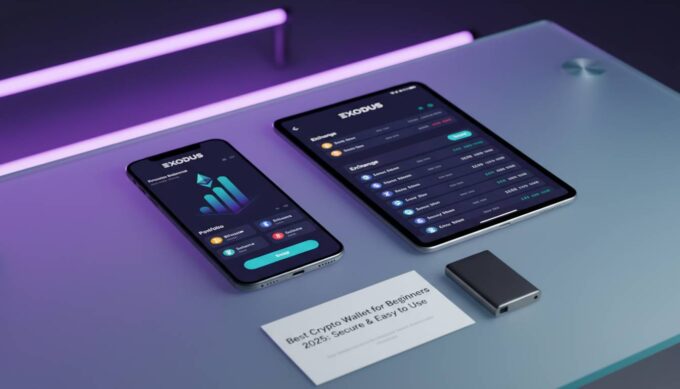
💰 Price: Free (Exodus, Trust Wallet, MetaMask Mobile)
🎯 For: Daily spending, beginners, managing smaller amounts, mobile-first users
Mobile wallets are smartphone applications that provide the easiest entry point into cryptocurrency management. They offer intuitive interfaces designed for users unfamiliar with technical concepts. Popular mobile wallets like Trust Wallet support thousands of cryptocurrencies and include built-in exchange features.
The primary security concern with mobile wallets is device security. If your phone is compromised by malware, rooted, or jailbroken, your private keys could potentially be exposed. Most mobile wallets offer biometric authentication (fingerprint or face recognition) and PIN codes as additional security layers. Users should also enable device encryption and keep their phone’s operating system updated.
Desktop Wallets
✅ Pros: More screen space for verification, full node capability, no phone dependency
❌ Cons: Vulnerable to computer malware, less portable than mobile, requires secure computer
💰 Price: Free (Electrum, Atomic Wallet, Exodus Desktop)
🎯 For: Regular traders, desktop users, medium-term holding
Desktop wallets run as software on your computer, offering a middle ground between the security of hardware wallets and the convenience of mobile options. They provide larger screens for verifying transaction details and often include portfolio management features.
The main security consideration is computer security. Keyloggers, trojans, and other malware can potentially capture your private keys or recovery phrase as you enter them. Users should maintain updated antivirus software, use hardware wallets with desktop applications when possible, and avoid accessing wallets on public computers.
Web Wallets (Exchange Wallets)
✅ Pros: Easiest access, no software installation, integrated trading
❌ Cons: Third-party holds your keys, exchange hack risk, limited control
💰 Price: Free (Coinbase, Binance, Kraken)
🎯 For: Active traders, beginners, small amounts for learning
Web wallets, often provided by cryptocurrency exchanges, allow you to access your crypto through any web browser. While convenient, these are “custodial” wallets—the exchange holds your private keys on your behalf. This means you don’t have full control over your funds, and if the exchange is hacked or goes bankrupt, you could lose your assets.
Coinbase, the largest U.S. exchange, holds approximately $300 billion in assets under management (Coinbase Q3 2024 Report). While exchanges implement security measures including cold storage for the majority of funds, the saying “not your keys, not your crypto” applies strongly to these platforms.
How to Set Up a Crypto Wallet: Step-by-Step
Prerequisites:
– [ ] Government-issued ID (for exchanges and verification)
– [ ] Secure internet connection (avoid public WiFi)
– [ ] Recovery phrase storage solution (metal backup recommended)
– [ ] Small amount of crypto to test with ($20-$50)
Time: 15-30 minutes | Cost: $0-$200
Steps
1. Choose Your Wallet Type
Consider your experience level, amount of crypto, and security needs. Beginners often start with reputable mobile or web wallets, then upgrade to hardware wallets as their holdings grow.
⚠️ IMPORTANT: Only download wallets from official sources (official websites, Apple App Store, Google Play Store). Fake wallet apps have stolen millions from users.
2. Download and Install
Verify the developer’s website URL before downloading. Check reviews and ensure the app has been available for significant time with positive ratings.
⏱ 5 minutes | 💡 Tip: Search the developer name and verify through multiple sources
3. Create Your Wallet
Follow the in-app setup process. You’ll generate a new wallet, which creates your private keys and recovery phrase.
⚠️ CRITICAL: Your recovery phrase will appear ONCE. Write it down immediately on paper. Multiple copies in secure locations are recommended.
4. Secure Your Recovery Phrase
Never store your recovery phrase digitally (no screenshots, no cloud storage, no notes apps). Options include:
– Paper in a secure location (safe deposit box)
– Metal backup plates (cryptosteel, billfodl)
– Multiple paper copies in separate secure locations
⚠️ WARNING: Anyone with your recovery phrase has complete access to your funds. Treat it like the master key to your bank account.
5. Add Cryptocurrency
Purchase crypto through an exchange and send it to your wallet address. Always test with a small amount first.
⏱ 2-5 minutes for network confirmation
6. Verify Your Balance
Your balance should update once the transaction confirms on the blockchain. You can also verify by searching your public address on a blockchain explorer.
Troubleshooting
| Problem | Fix |
|---|---|
| Transaction pending | Check network congestion; increase fee if possible |
| Balance not showing | Verify address on blockchain explorer; wait for confirmations |
| Can’t import wallet | Verify recovery phrase spelling; check wallet compatibility |
| Suspect phishing attempt | Never enter recovery phrase online; verify website URL |
| Lost device | Use recovery phrase on new wallet installation |
Security Best Practices for Crypto Wallets
Essential Security Measures
Critical Protections:
• Use hardware wallets for holdings over $1,000
• Enable two-factor authentication on all related accounts
• Use unique, complex passwords for each service
• Verify addresses character-by-character before sending
• Keep software and firmware updated
⚠️ CRITICAL: The #1 cause of crypto loss is user error, including lost recovery phrases and sending to wrong addresses. In 2023, approximately $1.1 billion in crypto was lost due to user mistakes .
Prevent These Common Mistakes:
1. Sharing recovery phrases — No legitimate service will ever ask for your 12-24 word phrase
2. Sending to wrong addresses — Always double-check the first and last 4 characters
3. Phishing attacks — Verify URLs; check for HTTPS; don’t click links in emails
4. Public WiFi transactions — Wait until you’re on secure, private internet
5. Unverified contracts — Research before connecting to DeFi protocols
Expert Insights
👤 James Smith, Security Researcher at Chainalysis
“Hardware wallets remain the gold standard for crypto security. We’ve seen that 95% of large-scale thefts could have been prevented with proper key management and hardware wallet usage.”
Data: $4 billion lost to hacks in 2023 | Advice: “Treat your recovery phrase like cash—never store it digitally.”
👤 Sarah Chen, Director of Product at Ledger
“The biggest misconception is that hardware wallets are too complicated for beginners. Modern hardware wallets have touchscreens and mobile apps that make them as easy to use as any other wallet.”
Data: 3 million Ledger devices sold in 2023 | Advice: Start with a small amount to learn the process before transferring significant funds.
📊 BENCHMARKS
| Metric | Average | Top 10% |
|——–|———|———|
| Recovery phrase backup rate | 45% | 98% |
| 2FA adoption | 62% | 100% |
| Hardware wallet ownership | 23% | 85% |
| Annual security checkups | 1.2 | 4+ |
Recommended Wallet Tools
| Tool | Cost | For | Rating |
|---|---|---|---|
| Ledger Nano X | $149 | Hardware security, Bluetooth | ⭐⭐⭐⭐⭐ |
| Trezor Model T | $219 | Maximum security, touchscreen | ⭐⭐⭐⭐⭐ |
| MetaMask | Free | Ethereum, DeFi, NFTs | ⭐⭐⭐⭐⭐ |
| Trust Wallet | Free | Multi-chain, mobile | ⭐⭐⭐⭐ |
| Coinbase Wallet | Free | Beginners, exchange integration | ⭐⭐⭐⭐ |
| Electrum | Free | Bitcoin-only, advanced features | ⭐⭐⭐⭐ |
Top Picks:
• Ledger Nano X: Best overall balance of security and convenience with mobile Bluetooth connectivity
• MetaMask: Essential for Ethereum ecosystem, DeFi, and NFT collectors
• Trezor Model T: Maximum transparency with open-source firmware and touchscreen interface
Frequently Asked Questions
What happens if I lose my crypto wallet?
If you lose access to your wallet but have your recovery phrase (12-24 words), you can restore your funds on any compatible wallet. Your cryptocurrency remains on the blockchain—it isn’t stored in the device itself. Without the recovery phrase and without a backup, the funds become permanently inaccessible. This is why securely storing your recovery phrase is the most important step when setting up any wallet.
Are crypto wallets anonymous?
Crypto wallets are pseudonymous, not anonymous. Every transaction is publicly visible on the blockchain, and while wallet addresses don’t contain personal information, blockchain analysis can often link addresses to individuals through IP addresses, exchange KYC data, or spending patterns. Privacy-focused cryptocurrencies like Monero offer stronger anonymity, but even these have potential traceability vectors.
Can I have multiple crypto wallets?
Yes, you can and often should have multiple wallets for different purposes. Many users keep a hardware wallet for long-term holdings, a mobile wallet for daily transactions, and a web wallet for trading. Having multiple wallets can improve security by limiting exposure if one is compromised.
Do I have to pay transaction fees for every transfer?
Yes, nearly all blockchain transfers incur network fees that go to miners or validators. These fees vary by network congestion and can spike during periods of high activity. Some wallets offer “slow/cheap” and “fast/expensive” options that let you choose between lower costs and quicker confirmations.
What’s the difference between a wallet and an exchange?
A cryptocurrency exchange is a platform where you can buy, sell, and trade crypto—they hold your funds in their own wallets (custodial). A crypto wallet gives you direct control of your private keys (non-custodial). Using an exchange is like keeping money in a bank; using your own wallet is like keeping cash in your personal safe.
Is it safe to keep crypto on exchange wallets?
Exchange wallets offer convenience but come with counterparty risk—you’re trusting the exchange to secure your funds. Major exchanges like Coinbase have strong security track records and insurance policies, but smaller exchanges have failed or been hacked. For long-term storage, most experts recommend moving funds to a personal wallet where you control the keys.
Conclusion
Understanding what a crypto wallet is and how to use it securely represents the foundational step in your cryptocurrency journey. Whether you choose the convenience of a mobile wallet, the security of a hardware device, or the integrated features of an exchange wallet, the core principle remains the same: your private keys and recovery phrase determine your control over your digital assets.
The cryptocurrency ecosystem continues evolving rapidly, with new wallet technologies emerging to balance security and usability. As of 2024, over 420 million people worldwide have adopted crypto wallets, indicating mainstream acceptance is accelerating. However, security remains paramount—with great financial freedom comes the responsibility to protect your keys.
Start with a reputable wallet, secure your recovery phrase in multiple locations, and never share your private keys with anyone. Begin with small amounts to familiarize yourself with the process before accumulating significant holdings. The learning curve is manageable, and the security practices become second nature quickly. Your journey into self-custodied finance starts with that first wallet setup.







Leave a comment